First book an appointment here:
https://www2.agenciatributaria.gob.es/wlpl/TOCP-MUTE/internet/identificacion when you have the app on the phone and your activation code from the meeting:
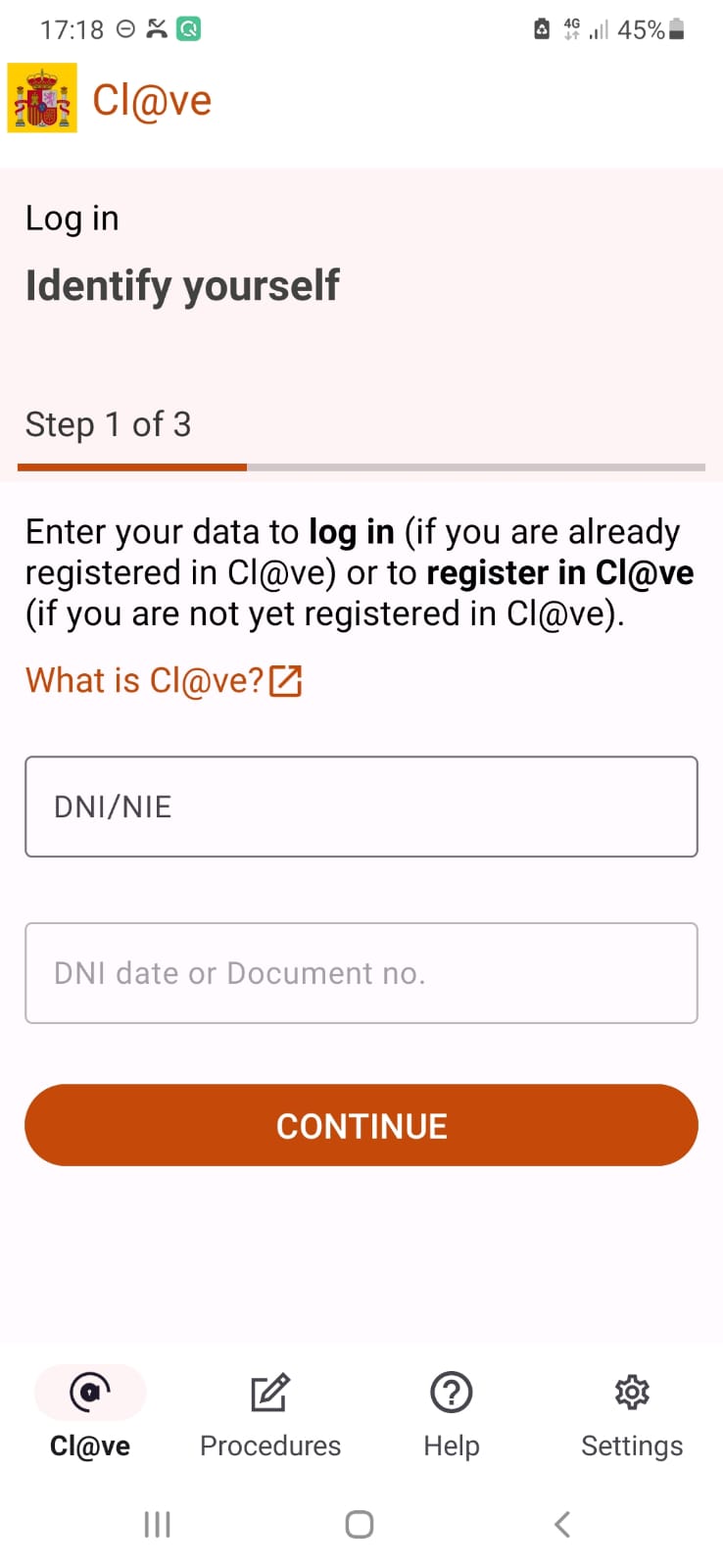
1.Login ti Clave
The document number is the number at the top right of your TIE card.
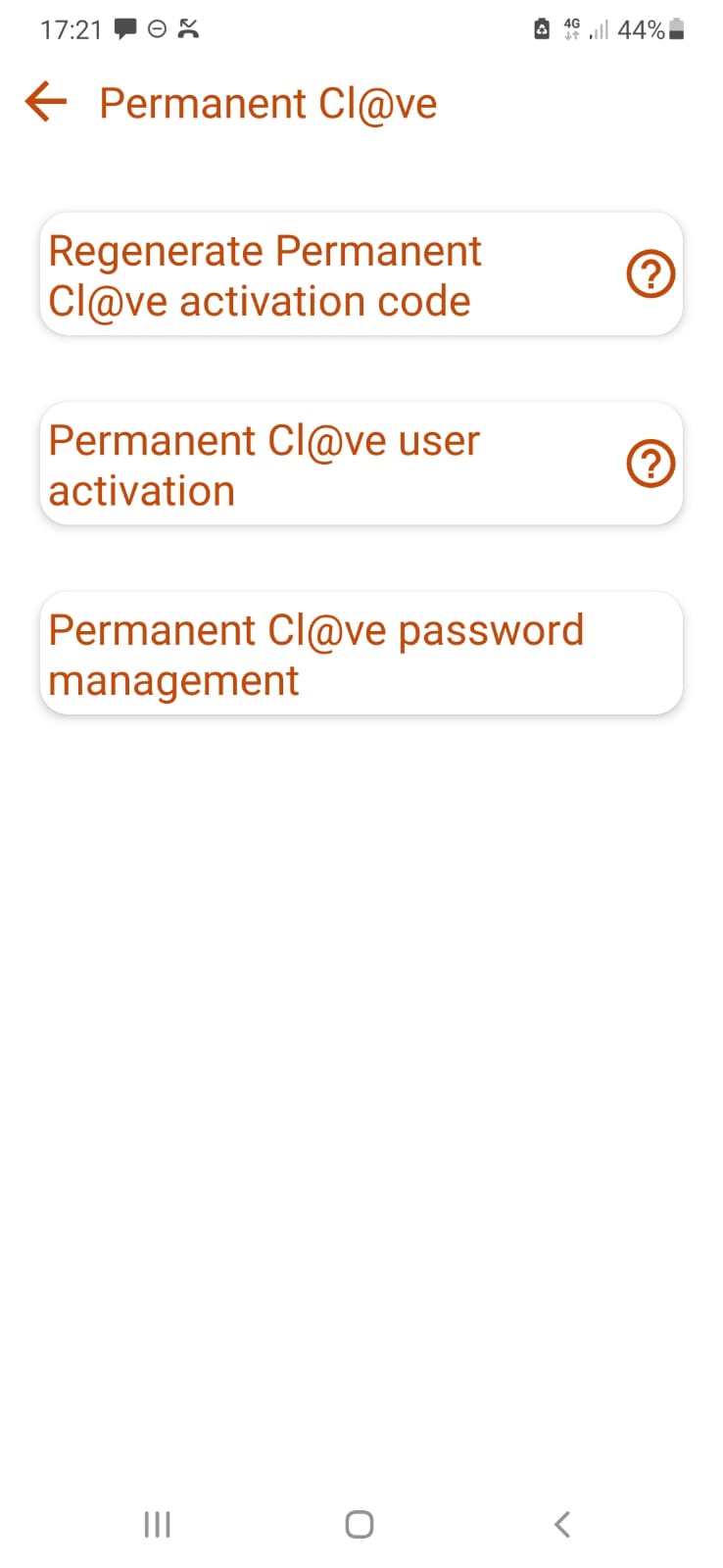
2. Verify SMS
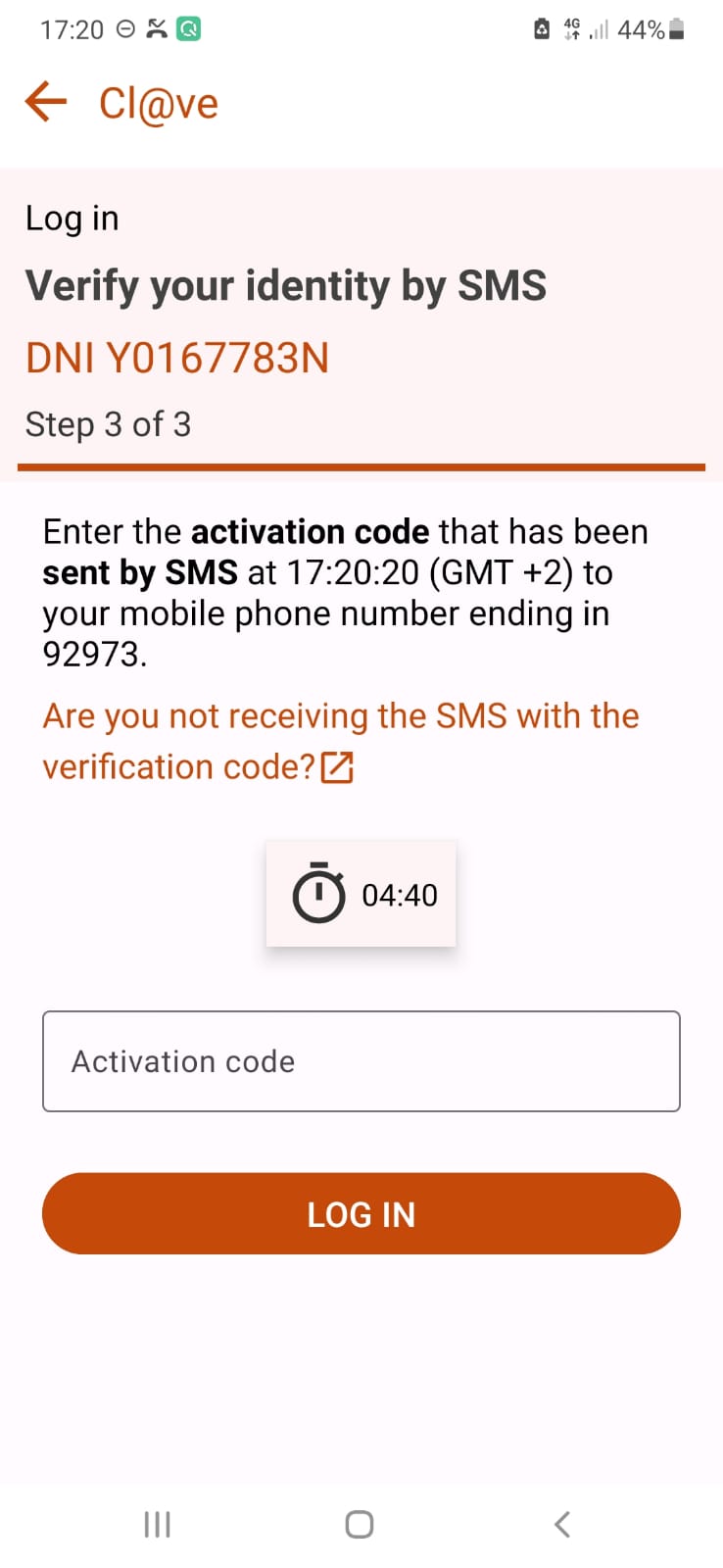
3. Select Procedures / Permanent Clave
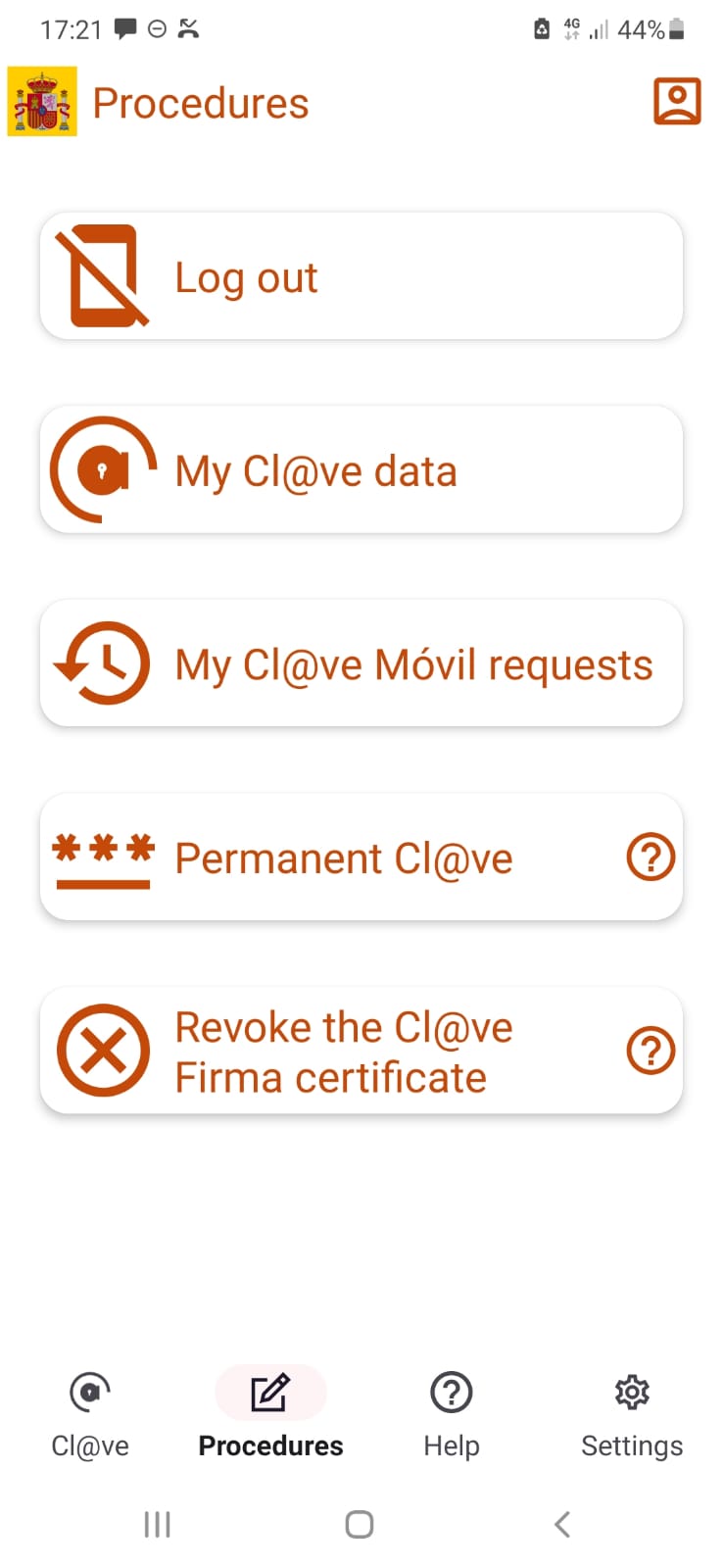
4. Select Permanent Clave User Activation
Follow instructions from web page.
First book an appointment here:
https://www2.agenciatributaria.gob.es/wlpl/TOCP-MUTE/internet/identificacion when you have the app on the phone and your activation code from the meeting:
1.Login ti Clave
The document number is the number at the top right of your TIE card.
2. Verify SMS
3. Select Procedures / Permanent Clave
4. Select Permanent Clave User Activation
Follow instructions from web page.